Using Data Effectively- Prototype
This is an early-stage prototype demonstrating the proposed structure, interactions and learning approach. It has not yet been developed into a fully completed learning module.
Overview
Using Data Effectively is a short, scenario based e-learning module that introduces learners to how workplace data can support better decision making.
Through real workplace examples and interactive activities, learners explore different types and sources of data before applying their understanding to a workplace scenario.
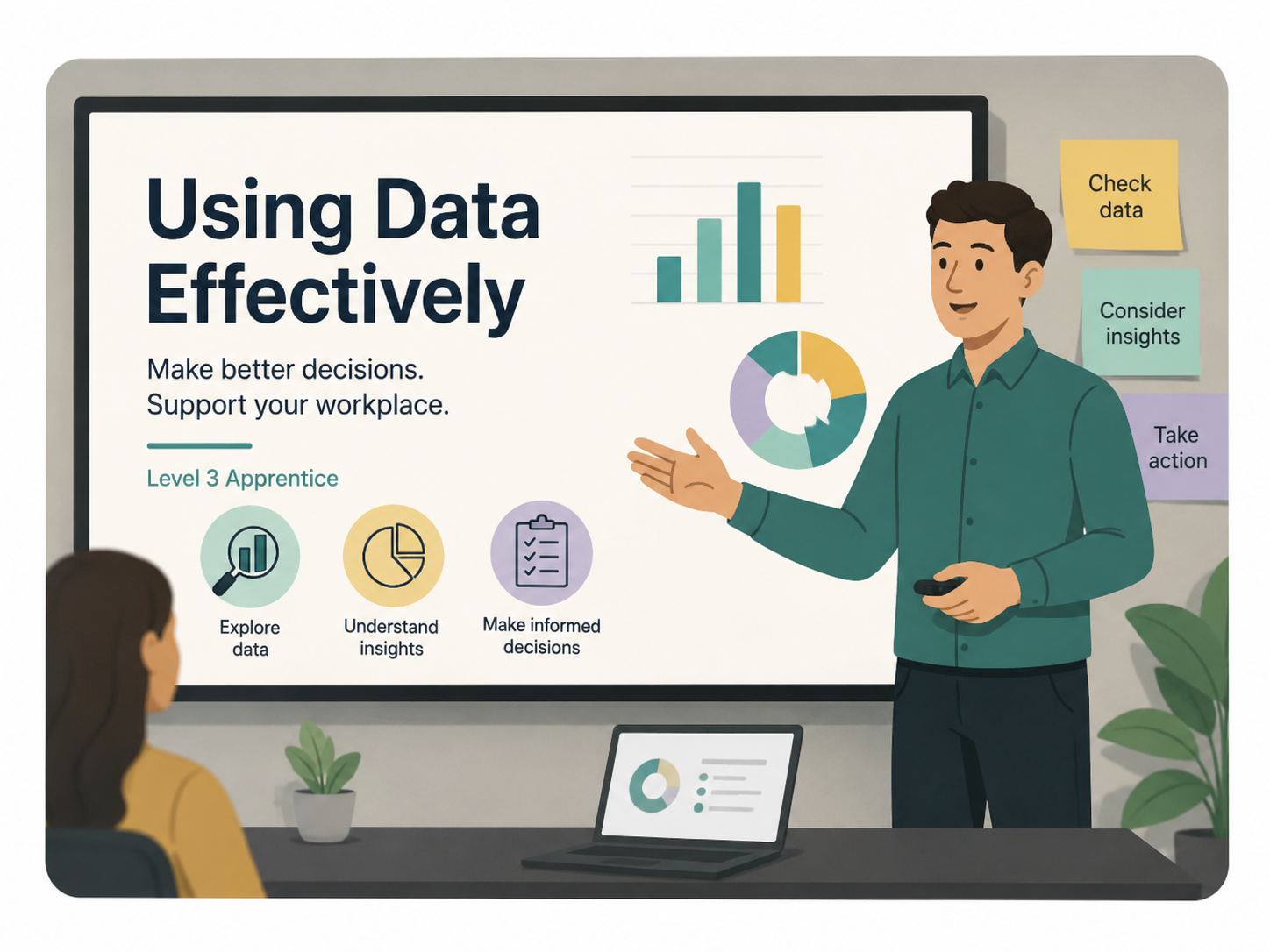
Project type: Self-paced e-learning module/ interactive prototype
Tools: Evolve Authoring, AI generated imagery
Audience: Level 3 UK apprentices
Responsibilities:
Analysed and restructured SME content to create a clear learning journey
Developed learning objectives and aligned activities to them
Designed scenario-based interactions and knowledge checks
Wrote and edited learner-facing content and feedback
Designed and built the interactive prototype in Evolve
Selected integrated visual assets and refined the UI for a consistent learner experience
Tested the prototype and checked interactions, navigating and responsiveness
The Challenge
I was asked to develop a content outline for a short digital learning experience aimed at Level 3 apprentices, based on an existing SME draft. I then took the outcome beyond the original brief and developed it into a self-paced e-learning prototype in Evolve.
The challenge was to translate the SME draft into a clear and engaging learning experience that helps learners to understand why data is useful when making workplace decisions, distinguish between qualitative and quantitative data and identify common quality issues that could affect a decision.
I developed the learning journey, refined the learner-facing content and introduced scenario-based activities and knowledge checks to create opportunities for exploration and application.
The Audience
The prototype was designed for Level 3 UK apprentices with mixed confidence and no prior knowledge assumed.
Because the audience may have limited experience applying data in a professional environment, I wanted learning to:
Establish the relevance of data before introducing terminology
Use realistic workplace situations
Break information into manageable sections
Give learners opportunities to interact with and apply the content
Design decisions
1. Creating workplace relevance through narrative
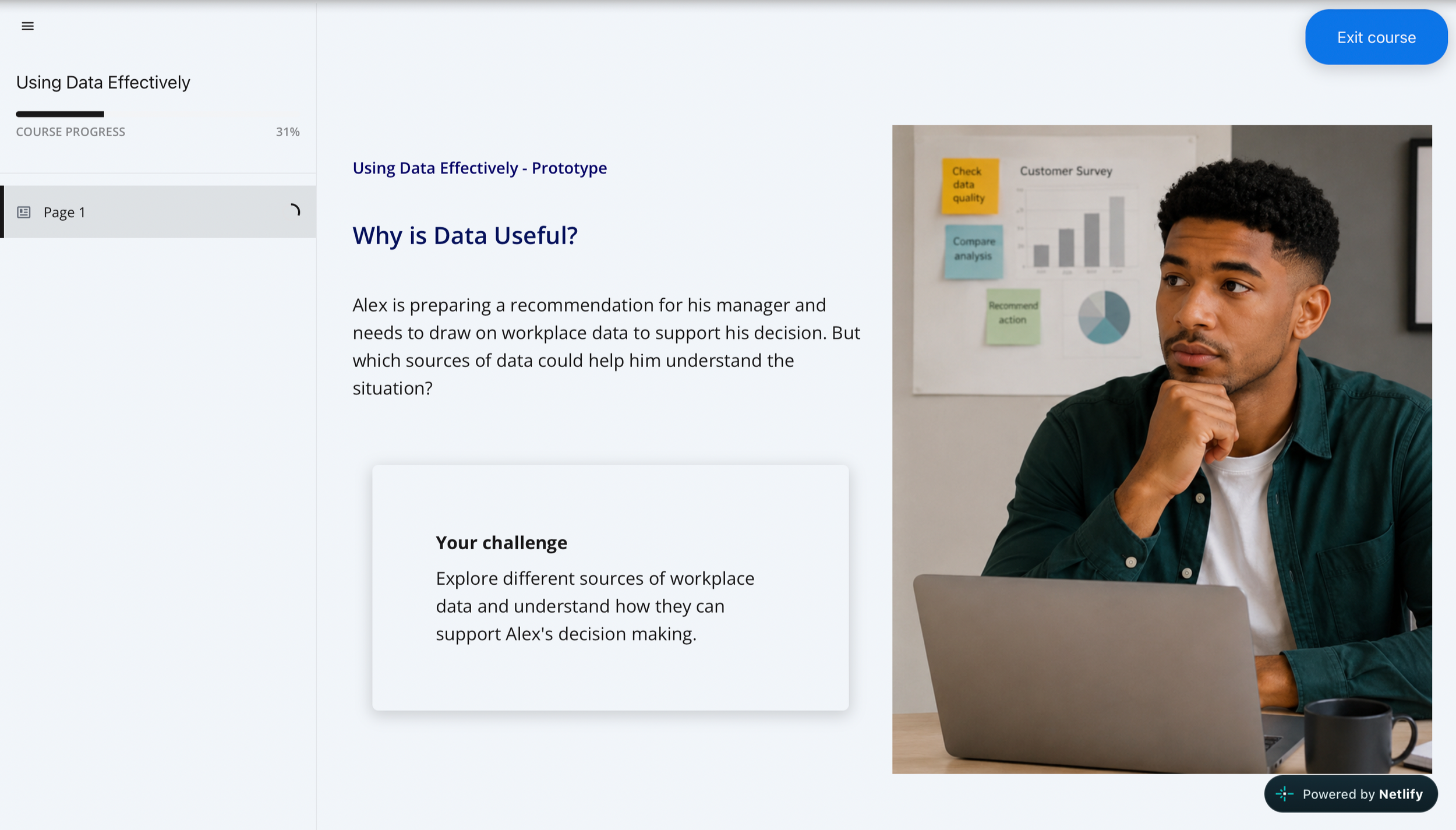
I chose to use Alex as a recurring character throughout the learning experience to give the content a consistent workplace context, This was intended to reduce the feeling of learning abstract concepts in isolation and help learners connect the concepts to a realistic situation.
Rather than asking learners to immediately make decisions, they support Alex as he works through a workplace problem. This creates a low-stakes and psychologically safer environment where learners can explore ideas, make choices and learn from feedback without the pressure of feeling that they are making a real workplace decision.
Using Alex also provides a point of reference throughout the experience, helping learners build familiarity and confidence as they move from exploring concepts to applying them in context.
2. Interaction with purpose
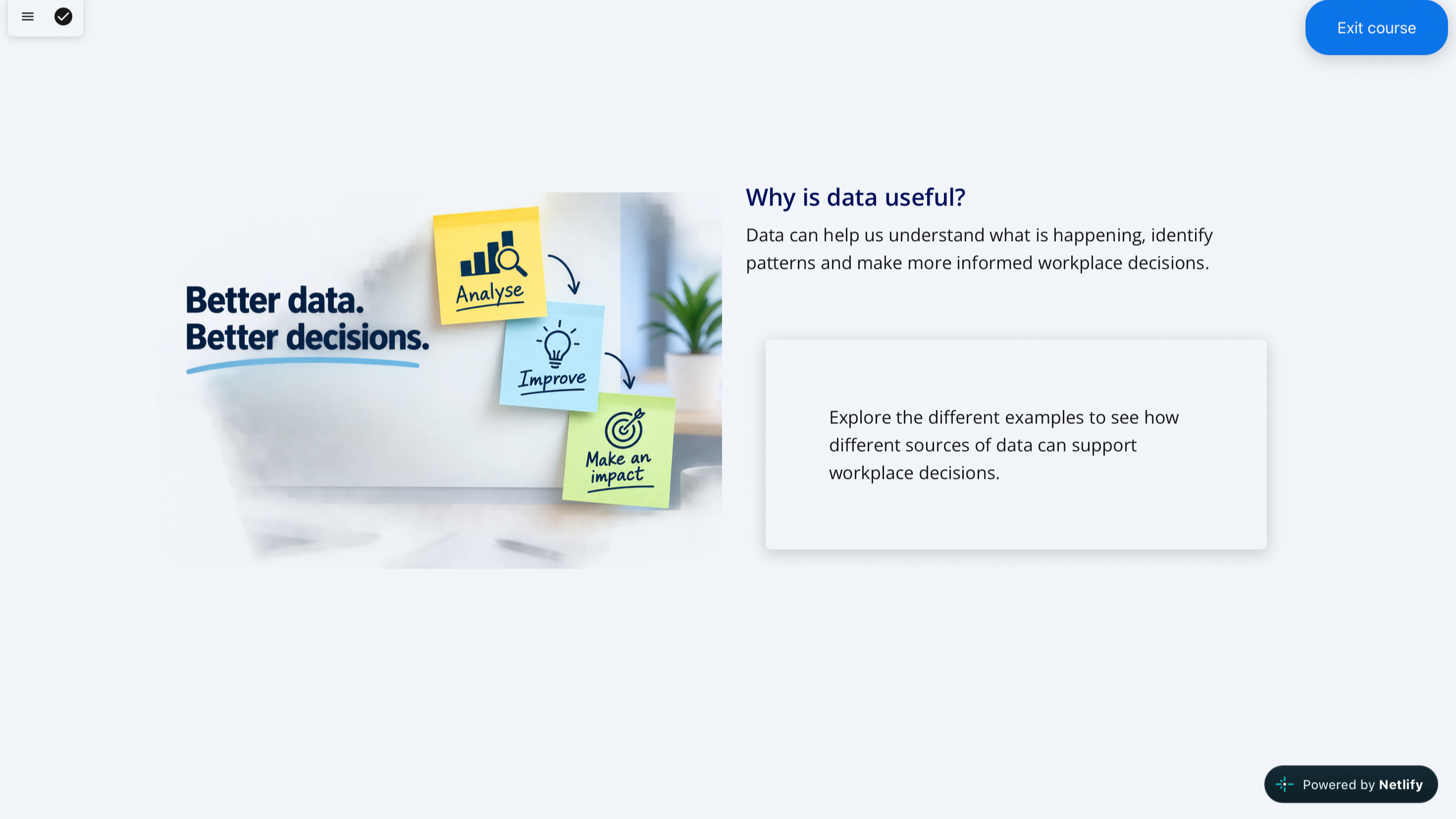
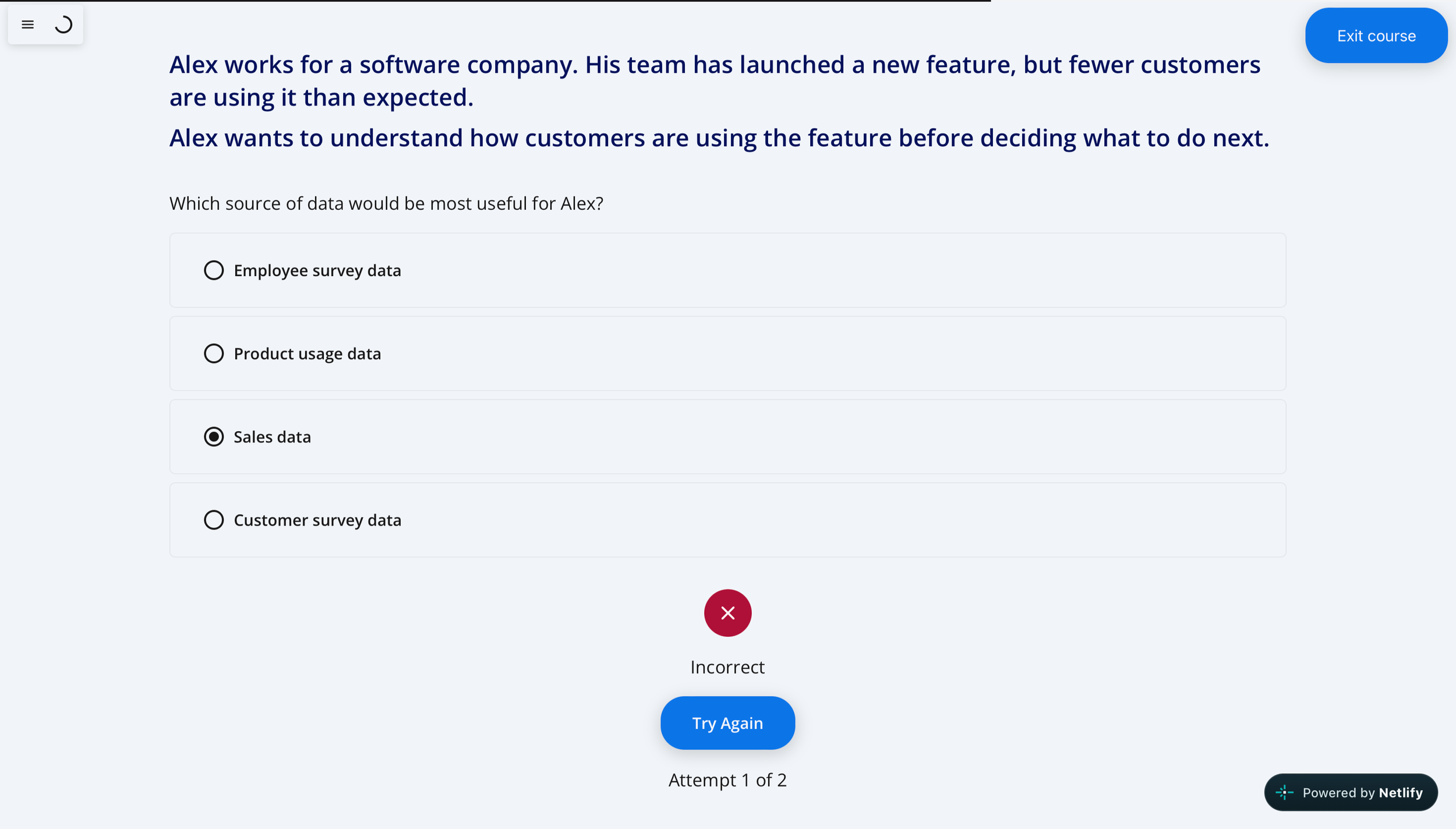
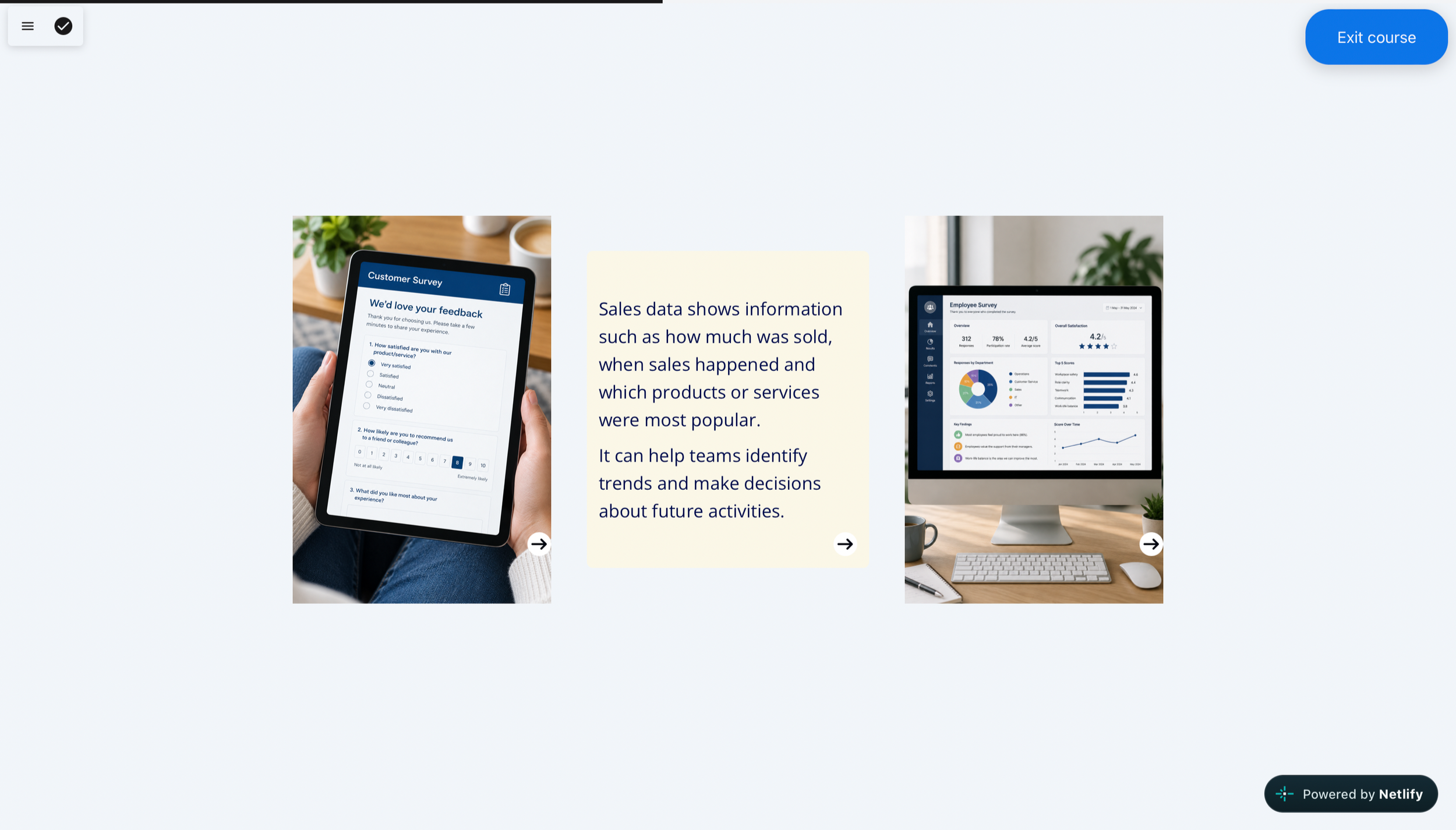
I used click-to-reveal and a scenario based knowledge check for the prototype module (in alignment with the content outline) to create opportunities for learners to explore, retrieve and apply their learning. The click-to-reveal breaks information down into manageable chips, supporting cognitive load and allowing learners to understand why data is important before moving onto the ‘what’. The knowledge check then gives learners a low-stakes opportunity to retrieve and consolidate what they have learned, check their understanding and build their confidence by applying it to a realistic workplace decision.
Keeping both activities within Alex’s scenario also maintains narrative continuity and reinforces workplace relevance and authenticity for the learners.